
Seniority Search Filter
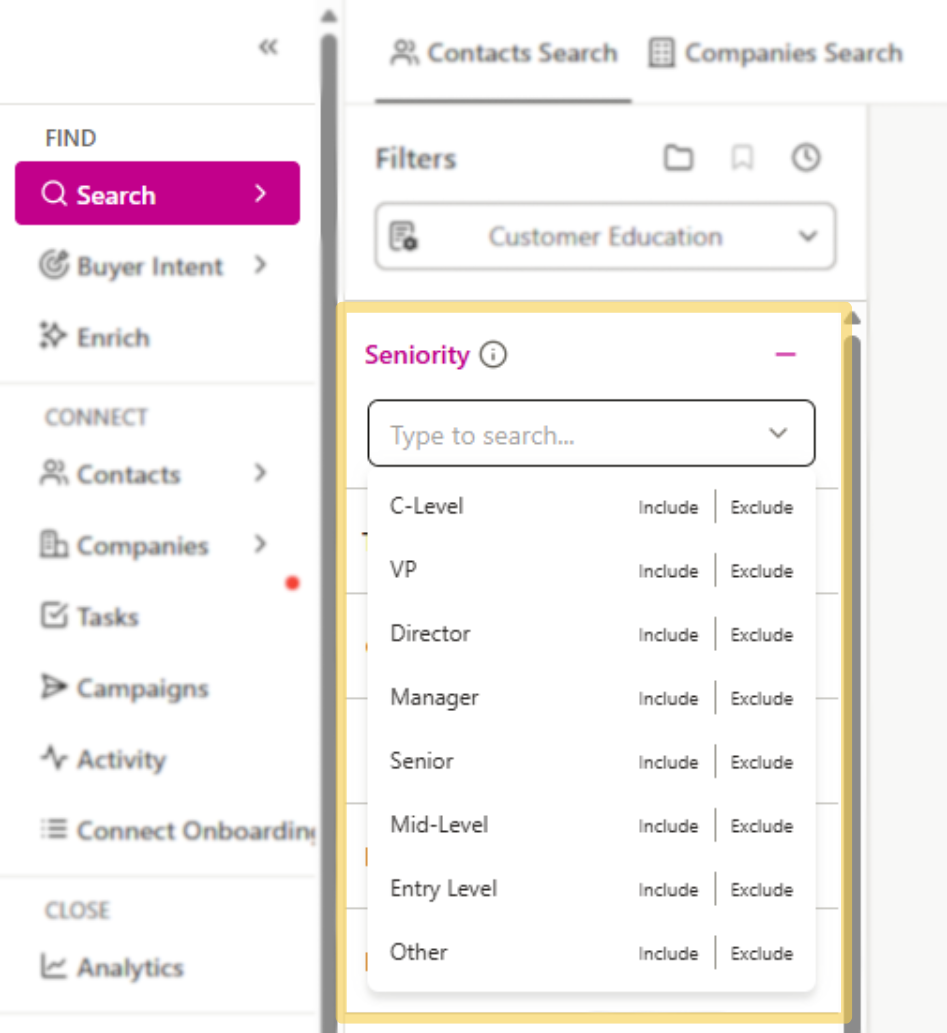
Seniority filter that allows you to refine search results based on rank (i.e. Manager, Senior, Director, VP, C-Level).
Starting a Search
- Log in to Seamless and access the Search icon on the left menu bar. Start a Contacts Search to generate a list of your Ideal Customer Personas.
- Under the Seniority filter option, you will see options such as ‘VP’ or ‘Director,’ and more. Select the seniority level(s) that align with your objectives.
- Add in other relevant filters (i.e. titles, location, company size, etc.) for better targeted results.
- Click the black Search button. To save contacts you are interested in, click Find next to each contact or company or Find All to save all on the page.
Seniority Filter Benefits
Product Adoption: Targeting managers or directors for products that require team-level adoption and approval.
Enterprise Sales: If you're selling high-ticket items or solutions that require significant budget allocation, targeting C-level executives or VPs might be the way to go.
Recruitment Services: HR Managers or Talent Acquisition Heads would be primary targets for recruiters.
Examples of Seniority Based Lists
Tech Industry Leaders: C-suite executives from the technology sector.
HR Decision-Makers: HR Managers or Talent Acquisition Heads across various industries.
Middle Management in Finance: Finance Managers or Directors in mid-sized to large corporations.
