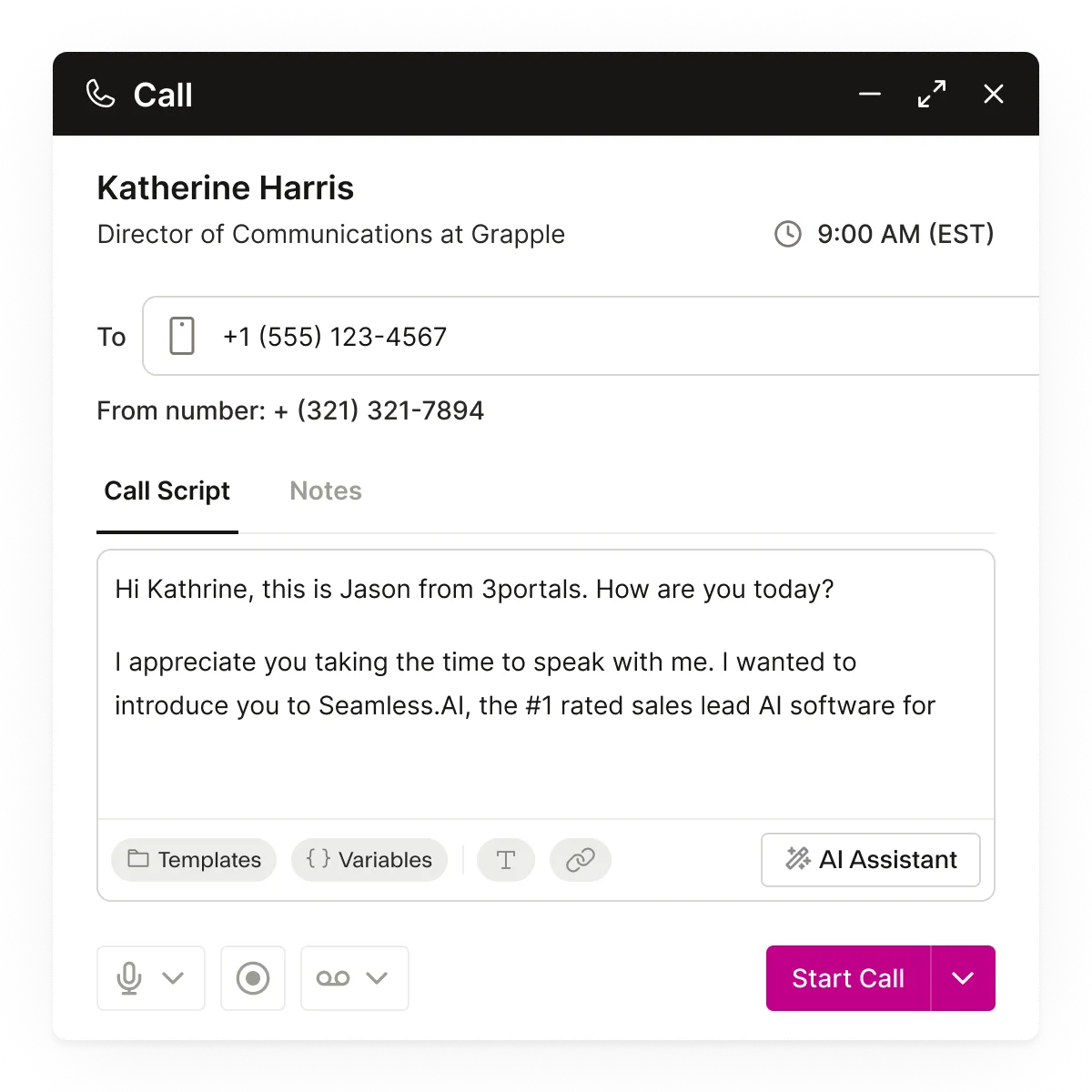

Faster conversations. Better connect rates. Higher pipeline.
Calling turns outreach into action — giving reps built-in dialing, call tracking, and compliance-ready workflows that help them contact more prospects and book more meetings with confidence.
- 1.3B+verified contacts
- 100+real-time data points per profile
- 414M+verified mobile numbers
The calling solution built for modern sales teams
Calling brings together intuitive dialing, activity tracking, Twilio-powered VoIP, and automated logging to help your team connect faster, stay organized, and create more revenue-generating conversations every day.
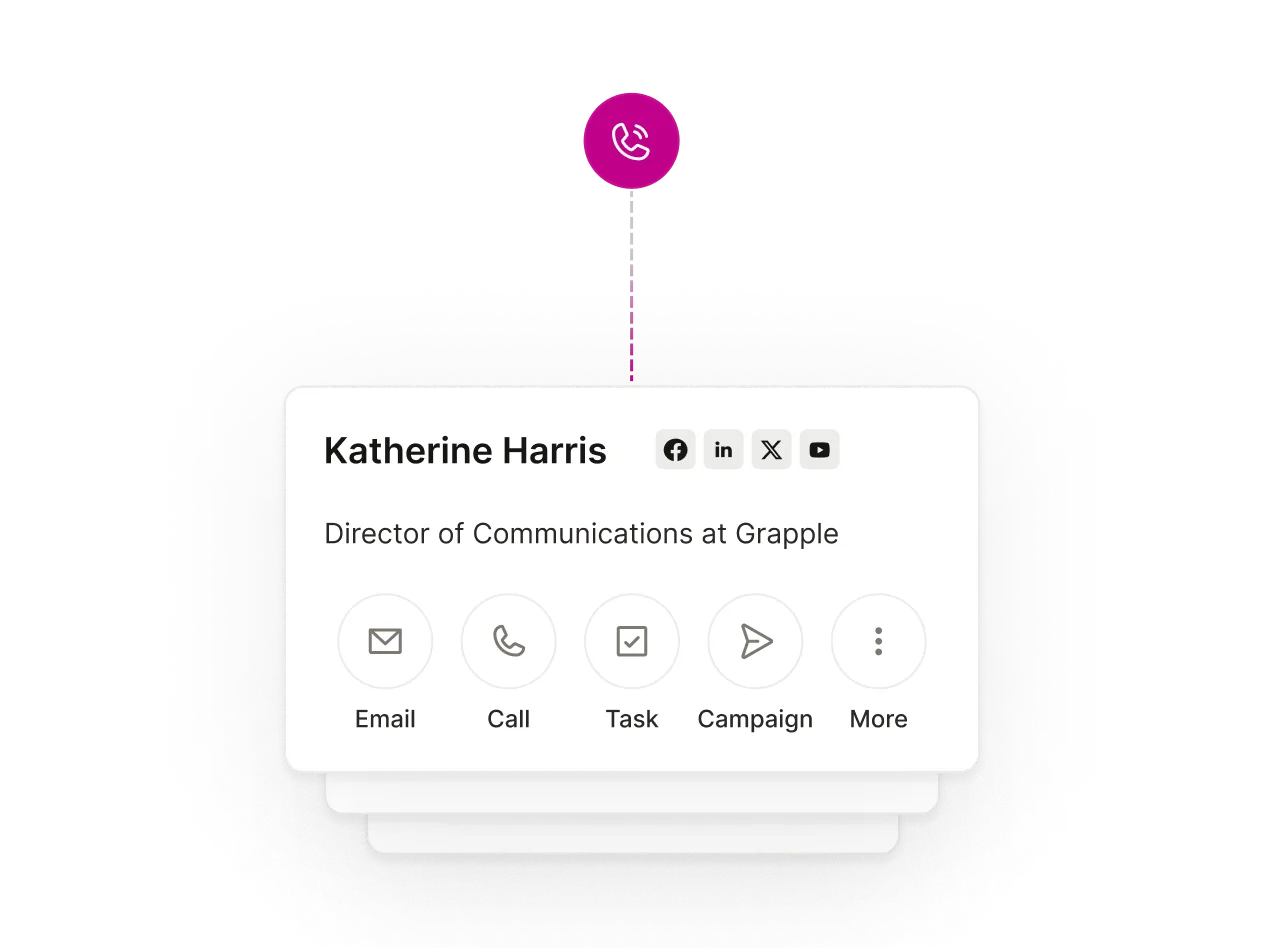
Click-to-call that launches conversations instantly
Dial any contact in a single click with built-in VoIP — no extra devices required. Every call starts fast, and every connection is tracked automatically.
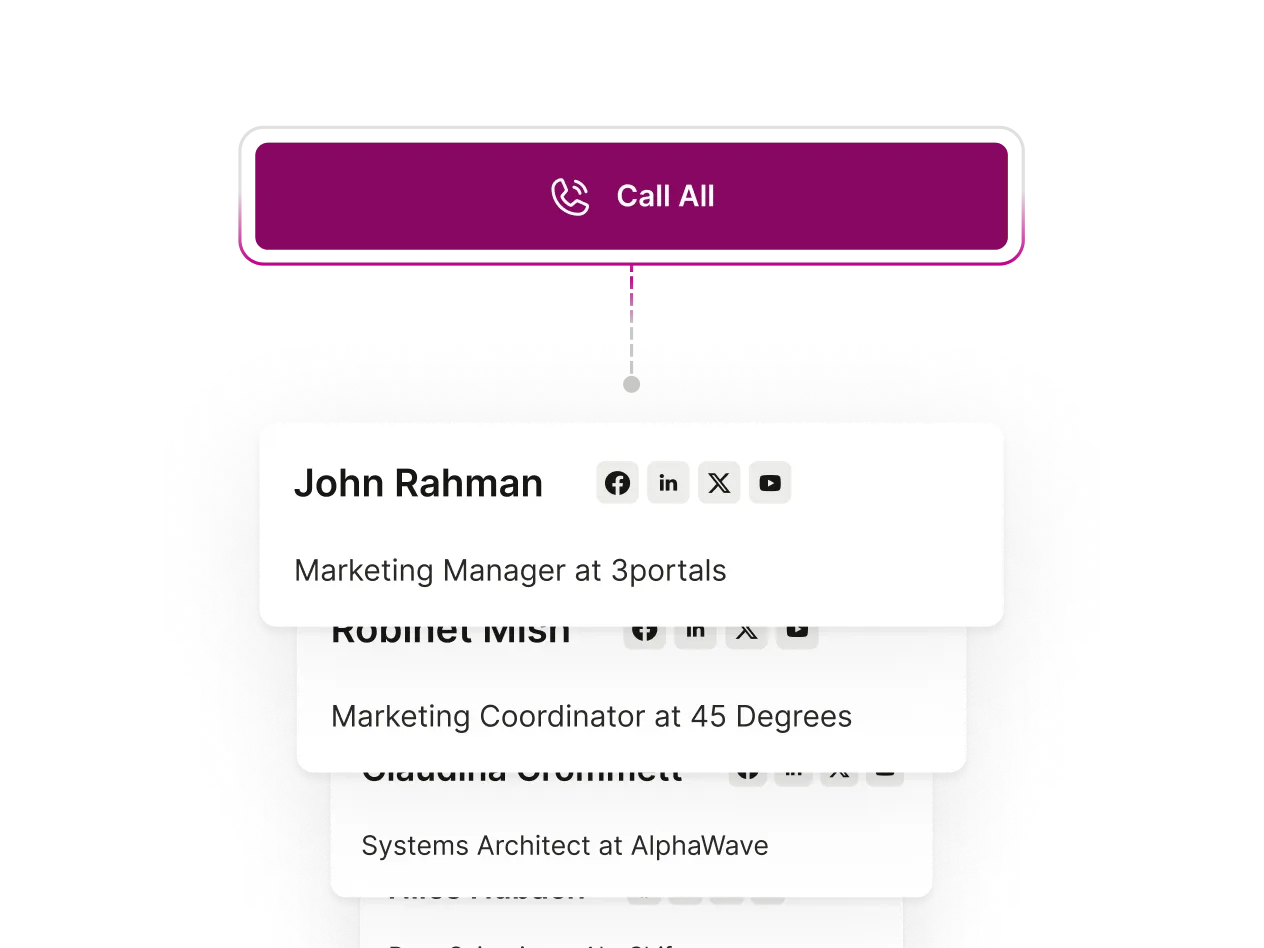
Bulk calling for high-volume outreach
Use “Call All” to work through targeted lists in sequence — with automatic call logging, easy dispositions, and real-time status updates as you go.
Compliance and caller trust built in
Stay protected with TCPA-compliant calling hours, Do Not Call management, accurate caller ID, and local dialing options that boost answer rates.
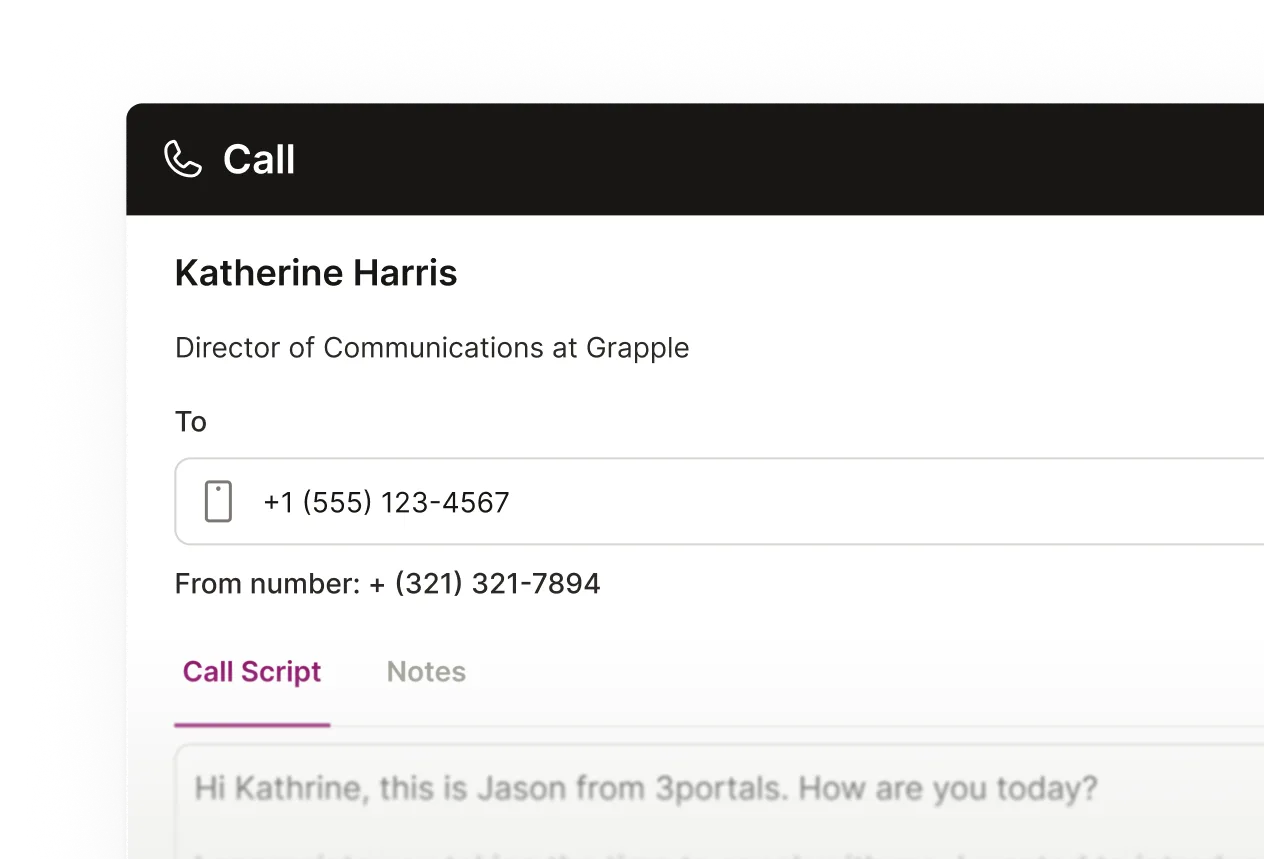
Call recordings, notes, and analytics in one place
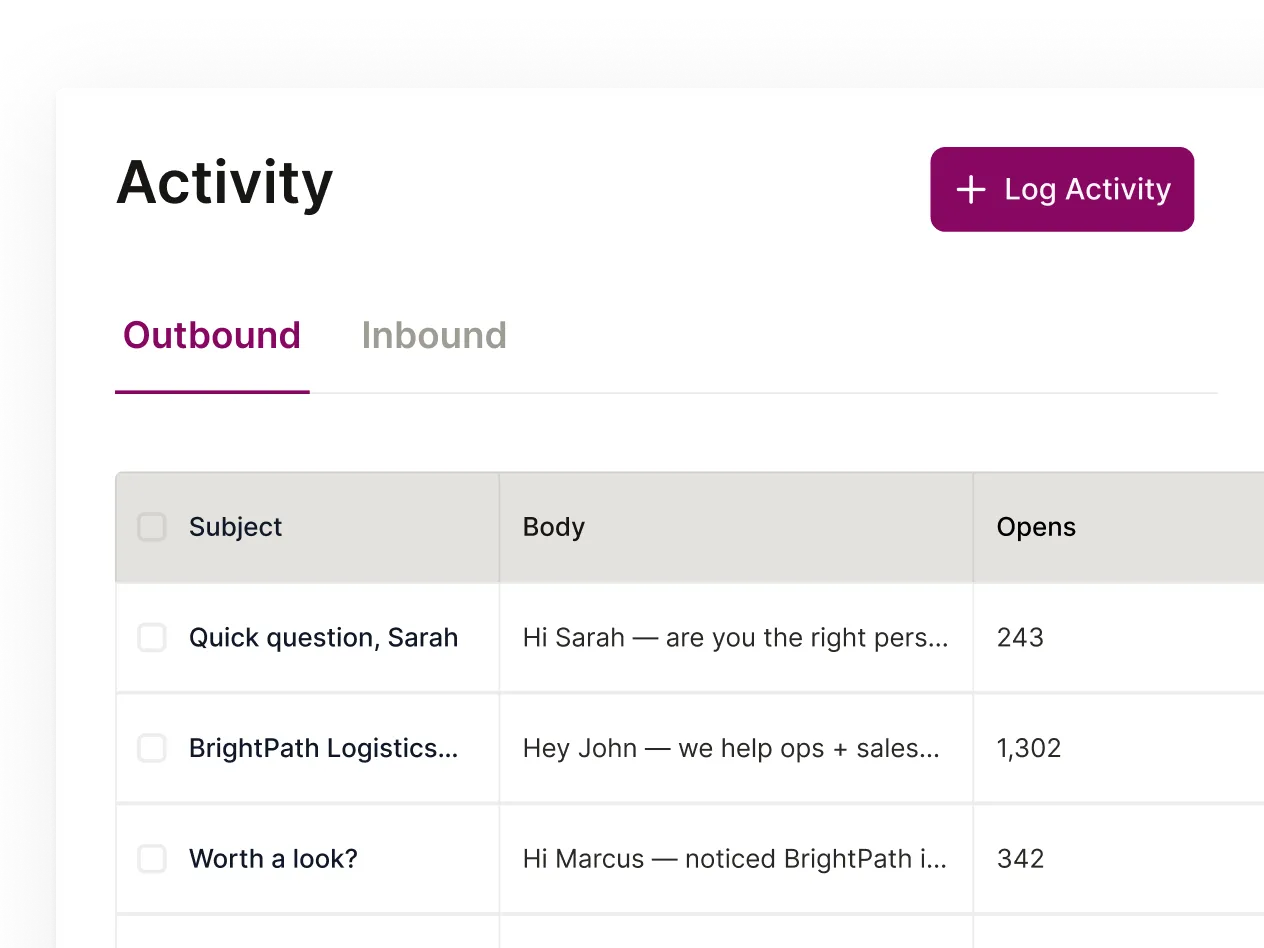
Track call outcomes, review recordings, capture notes, and measure performance — all through the Activity Dashboard that keeps your entire team aligned.
Accelerate your entire GTM motion with connected AI
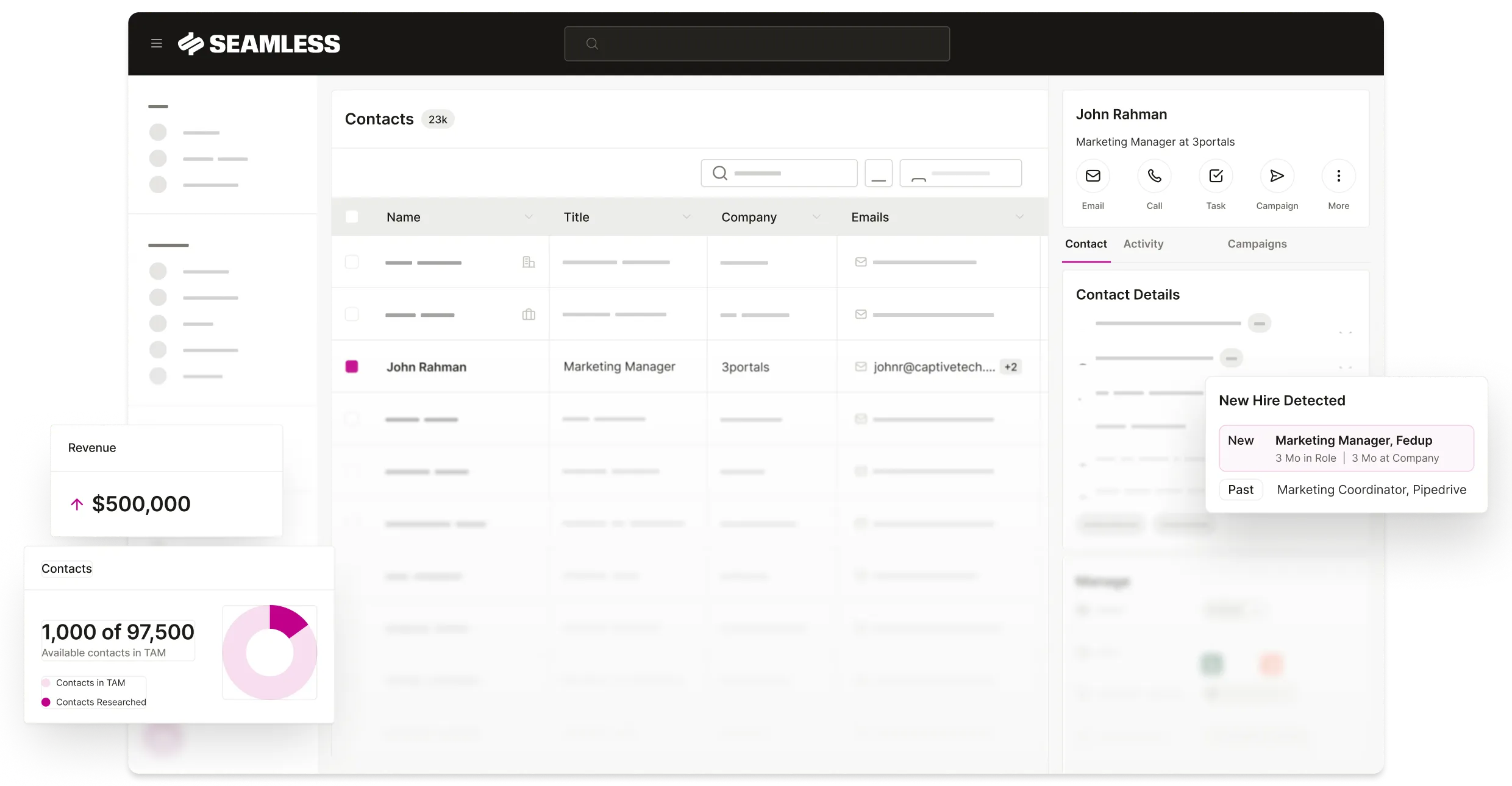
Calling brings your voice channel into Seamless — and the platform takes it further with a connected Data Engine, Engagement Hub, and Automation Network that build complete workflows around every call, contact, and opportunity.

What is Click-to-Call feature?
Click-to-call is a telephony feature that turns phone numbers or buttons in apps (CRM, browser, email, or sales tools) into one-click actions that launch a call through your dialer, VoIP, or softphone. It typically auto-fills the number, displays a screen pop with contact details, and can log call outcomes, notes, and recordings back to your CRM. Many platforms pair it with productivity tools like local presence, power/parallel dialing, and voicemail drops to reduce misdials and speed outreach. Benefits include faster connect workflows, fewer errors, and better data capture; considerations include proper telephony setup, caller ID configuration, connectivity, and compliance with DNC lists and call-recording/consent laws.
Does Seamless have one-click calling integrated?
Seamless.AI’s Calling product centers on helping reps connect by pairing accurate phone data (direct dials and mobile numbers) with an in‑platform dialer. It supports click‑to‑call and power/parallel dialing, voicemail drops, call recording and notes, and logs outcomes to your CRM with analytics to optimize connect and conversion rates. Features like local presence and call scheduling aim to boost pickup rates, while compliance controls (e.g., DNC lists, consent/recording settings) help reduce risk. It also ties into Seamless’s data and Pitch Intelligence so you can generate tailored call scripts and talk tracks for each contact.
Can you bulk call from Seamless?
Yes. Seamless supports bulk calling via its in‑platform dialer using power/parallel dialing. You can queue a contact list (from searches or saved lists), auto‑progress calls, drop pre‑recorded voicemails, use local presence, and log dispositions/notes back to your CRM. Availability, concurrency, and minute/credit usage depend on your plan, telephony setup, and region. Be sure to honor DNC lists and call‑recording/consent laws before launching large calling sessions.
Does it cost extra for Calling?
Seamless Connect features are available on specific plans or as add‑ons, and telephony usage (minutes) typically incurs extra cost. Expect potential charges for per‑seat dialer licenses, domestic/international per‑minute rates, phone number provisioning (DIDs), local presence, voicemail drops, and call recording/storage. Parallel/power dialing and higher concurrency may be limited to higher tiers. Exact pricing, minute bundles, and regional availability vary, so check Seamless’s pricing page or contact sales rep to confirm what’s included in your plan and any overage fees.


